How to Create a Personalised Comic Gift in Minutes
Creating a personalised comic gift sounds like it should take weeks and cost a fortune. A character illustration, a cover design, a nine-panel storyboard — these are things that, traditionally, you'd commission from an artist and wait months for.
MyComicGift does it in minutes.
This guide walks through the exact process, step by step, so you know what to expect before you start.
What You'll Create
Every comic from MyComicGift includes:
- A comic cover — a full illustrated cover in ligne claire style, featuring your hero with a title and setting
- A 3×3 panel storyboard — nine panels that tell the story you described, with character consistency across all panels
Both are delivered as high-resolution files, ready to print at A4 or A3, or frame as digital art.
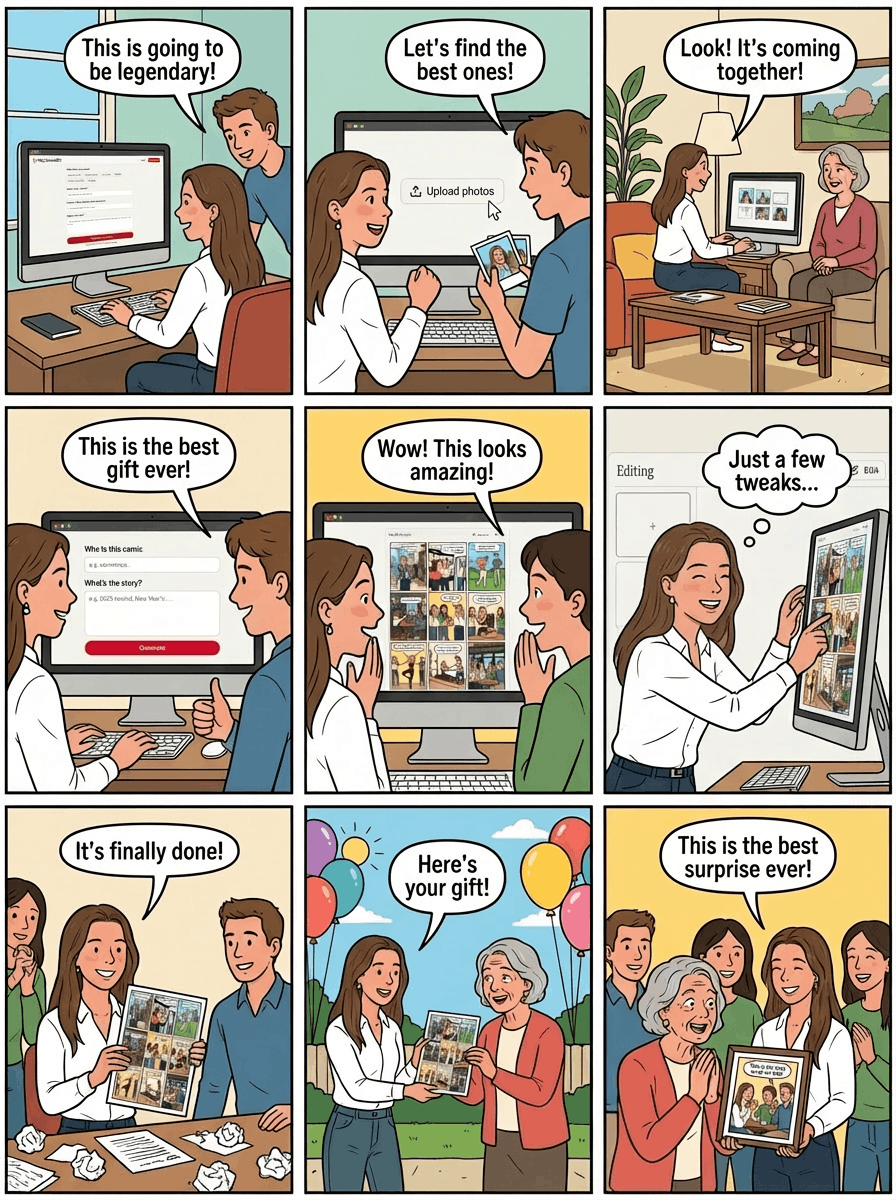
Step 1: Describe Your Story
Start with the most important part: the story.
The editor gives you a form to describe:
- The hero — the person the comic is about. Their name, a few personality traits, what they look like
- Other characters — friends, family, colleagues who appear in the story
- The adventure — what happens. This can be a real memory, a running joke, a dream scenario, a milestone moment, or something completely made up
The more specific you are, the better the result. "Tom goes on a cycling trip" is fine. "Tom, who is obsessed with coffee and hates mornings, reluctantly joins a 5am cycling club but secretly loves it" is better.
Don't overthink it. Even a one-sentence story brief produces something interesting. You can always edit and regenerate after you see the first result.
Step 2: Upload a Photo (Optional)
If you want the characters in the comic to look like real people, upload a photo.
The AI uses the photo as a visual reference when generating the character illustrations. It doesn't copy the photo — it translates it into the ligne claire illustration style while preserving the key facial features, hair, and general appearance.
You can upload:
- A face photo of the main hero
- Multiple photos if you want several characters to have recognisable faces
If you don't upload a photo, the AI generates a character from your text description instead. This works well when you want a more stylised or fictional version of the person.
Step 3: Generate Your Comic
Click generate. The AI gets to work.
Here's what happens behind the scenes: the story brief is expanded into a detailed prompt, a character visual is established from the photo or description, and the image generator produces the cover and all nine storyboard panels in sequence — maintaining character consistency across every panel.
This takes around 60–90 seconds. When it's done, you'll see your comic for the first time.
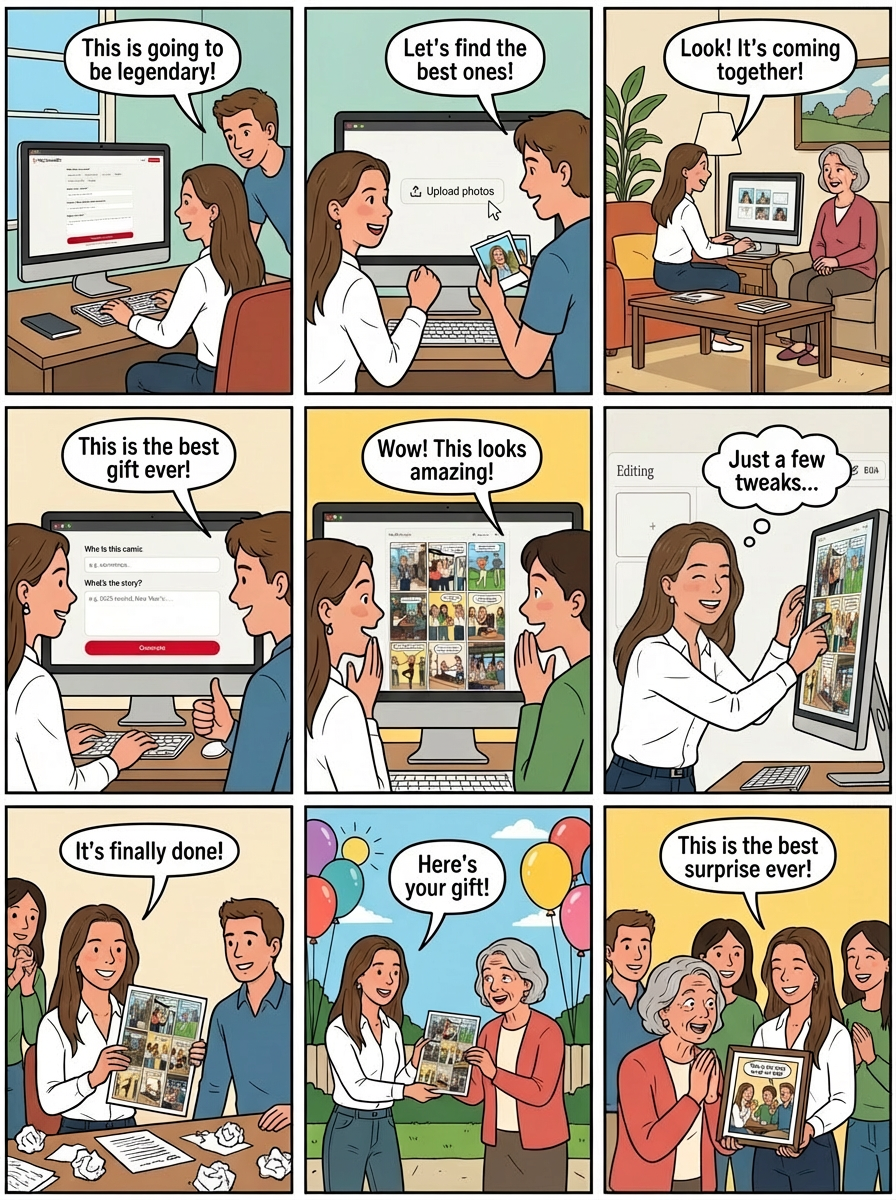
Step 4: Edit Until It's Right
The first result is rarely the last. The editor lets you:
- Regenerate individual panels — if a specific panel missed the mark, regenerate just that one without touching the rest
- Adjust the story — update the brief and regenerate the full comic
- Try different story angles — keep the same characters but change the adventure
Most people do one or two rounds of editing. Some go further. There's no limit on how many times you can regenerate.
Panel-level regeneration preserves character consistency — the AI references your established character appearance when regenerating a single panel, so faces and styles stay consistent across the storyboard.
Step 5: Download or Order a Print
When you're happy with the result, you have two options:
Download the digital files. High-resolution JPEGs ready to print anywhere. You can send them directly to the recipient by email or message, or take them to any print shop. Most standard frame sizes work well.
Order a print from MyComicGift. We handle the printing and ship to your door. The physical print is the premium version — richer colours, sharper detail, the kind of thing that looks genuinely impressive on a wall.
For gifts being given in person, the print is the obvious choice. For international gifts, or when you're short on time, the digital download is instant.
Your first preview is free
No account needed to start. See your comic in under 2 minutes.
Start creating nowTips for Getting the Best Result
After seeing thousands of comics generated, a few patterns consistently produce better results:
Be specific about the setting. "Paris" is fine. "A rooftop in Montmartre at sunset" is better. Settings are where the ligne claire style really shines, and specific locations give the AI strong visual material to work with.
Name the adventure clearly. "Going on an adventure" is vague. "Investigating a mysterious missing coffee situation at the office" is specific and fun. The more you commit to a story, the more the panels have to work with.
Upload a clear, well-lit face photo. The AI needs to see the face clearly. Front-on or three-quarter angle, good lighting, no heavy filters. A recent photo works better than an old one.
Describe personality, not just appearance. "Tall, dark hair" is fine, but "always wearing headphones, usually has paint on his hands, expressive face" gives the illustrative AI more to work with.
Try the regenerate button freely. Each regeneration is a different interpretation of the same brief. If the first result is 80% right, a single regeneration might get you to 100%.
Frequently Asked Questions
How long does it take? The generation itself takes about 60–90 seconds. Most people spend 5–15 minutes total on editing. If you're in a hurry, you can download a first-result comic in under 3 minutes.
Do I need design skills? None at all. The entire process is a form and a button. If you can describe a story, you can create a comic.
What file formats are included? High-resolution JPEGs, optimised for print. Suitable for A4 and A3 frames.
Can I gift it to someone who doesn't use the internet? Yes — order a physical print and it arrives as a finished piece of art. The recipient doesn't need an account or access to the platform.
What if I'm not happy with the result? Regenerate. There are no limits. If you're still not happy after several attempts, the story brief might need adjusting — the tips above are a good starting point.
Ready to try it? The editor walks you through the process live, and your first preview is completely free. See the gallery first if you want to check out examples before you start.